
EU Directive 2023/2673 · e-commerce
Withdrawal Button for PrestaShop: How to Comply with the EU Return Rules by 19 June 2026
From 19 June 2026, every online shop selling to consumers in the EU must provide a clearly visible withdrawal button — the electronic function that lets customers cancel a contract as easily as they placed the order. Many merchants simply call it the "return button." If you run a PrestaShop store, here is what EU Directive 2023/2673 requires and how to make your shop compliant with a ready-made PrestaShop module.

What the withdrawal button is and where the rule comes from
People search for it as a "return button" or "cancel my contract" button, but the legal text calls it a withdrawal function. The obligation is set out in Directive (EU) 2023/2673 of 22 November 2023, which amends the Consumer Rights Directive 2011/83/EU by adding a new Article 11a. The core principle is straightforward: if a customer can buy with a few clicks, they should be able to withdraw with the same ease.
For a PrestaShop store owner, that translates into a concrete technical change — your storefront needs a clear, easily accessible withdrawal button, available throughout the period in which the consumer can exercise their right of withdrawal (usually 14 days).
• 19 December 2025 — deadline for EU member states to transpose Directive 2023/2673 into national law.
• 19 June 2026 — the date from which the withdrawal button obligation applies to online retailers. There is no soft transition period.
Who must add a return button
The obligation covers virtually every B2C online shop targeting consumers in the EU. Directive 2023/2673 applies to all distance contracts concluded through an online interface: physical goods, digital products, subscriptions, online courses, SaaS and services. If even one product in your PrestaShop store carries a right of withdrawal, you must provide the withdrawal button.
Importantly, the rule also reaches non-EU traders who actively target EU consumers — what matters is who you sell to, not where your business is based.
How the withdrawal button must look and work
The directive does not dictate a specific visual design, but it sets clear requirements for how the withdrawal function must behave.
Visible and easily accessible
Burying the function in your terms and conditions, a footer link list or a deep submenu is not enough. The return button must stand out visually and sit where customers intuitively expect it — typically in the customer account, next to the order, or on a clearly signposted page.
Clearly labelled
The button label should use unambiguous wording such as "Withdraw from contract here" or an equivalent. The customer must understand at a glance what it does.
Leading to a real process, not just information
After clicking, the consumer must be able to actually submit the withdrawal — the form should let them enter the required details (name, order number), and the shop must send a confirmation with the date and time of the request. That confirmation has evidential value if a dispute arises.
What happens if you skip the withdrawal button
The consequences are real. Each member state designates an authority to enforce the rules and set penalties, which vary by country. Beyond fines, a poorly implemented or missing return function extends the withdrawal window — if the consumer is not properly informed of their right of withdrawal, the return period can stretch well beyond the standard 14 days, leaving you uncertain about closed sales for months.
How to add a withdrawal button in PrestaShop — the simplest path
You can reach compliance with Directive 2023/2673 in two ways: have a developer build the function from scratch, or install a ready-made PrestaShop module that does it for you. The second option is faster, cheaper and lower-risk — you do not have to guess whether your implementation meets every legal requirement.
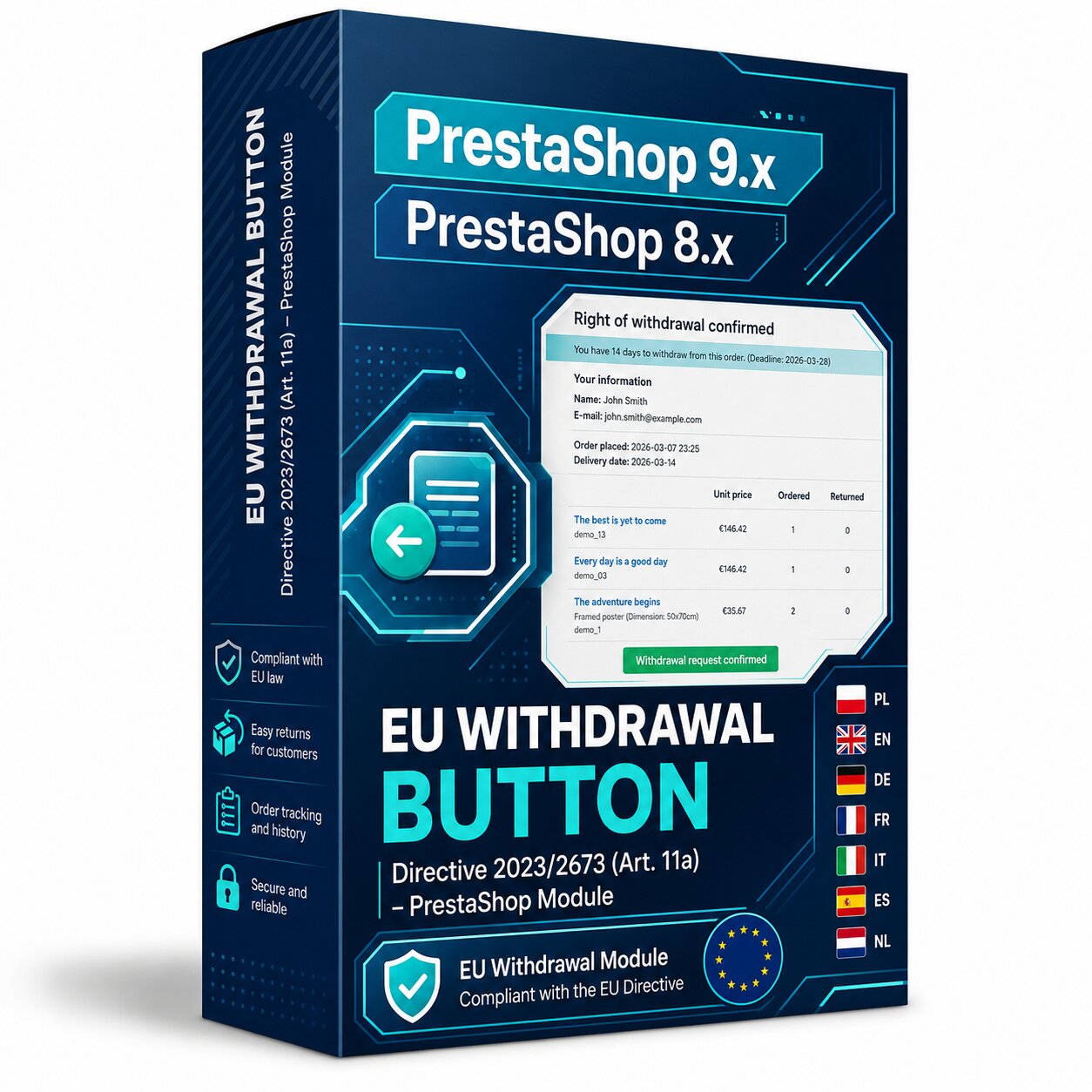
Our PrestaShop module adds a fully compliant withdrawal button to your store:
| Feature | What it gives you |
|---|---|
| Visible withdrawal button | Placed in the customer account and next to the order, meeting the accessibility requirement. |
| Withdrawal form | Available to guests too (no login), capturing the required details. |
| Automatic email confirmation | With date and time — ready-made proof in case of a dispute. |
| Back office dashboard | All withdrawal requests in one place, with statuses and export. |
| Configurable period and labels | Adjust the withdrawal window and the button wording to your store. |
Add a compliant withdrawal button to your PrestaShop store in minutes — no coding required.
View the PrestaShop module
Frequently asked questions about the PrestaShop withdrawal button
- Does the withdrawal button replace existing return methods?
- No. It is an additional, mandatory channel — consumers can still withdraw by email or letter. The button complements those routes, it does not remove them.
- Does the rule apply to digital services and subscriptions in PrestaShop?
- Yes. Directive 2023/2673 covers all distance contracts, including digital services, subscriptions, e-books and online courses, as long as a right of withdrawal exists.
- I run a multilingual PrestaShop store — will the module handle it?
- Yes. The labels and content of the withdrawal button can be adapted to each language version of your store, keeping you compliant across every EU market.
- What about orders placed before 19 June 2026?
- The obligation to provide the button applies to every order for which the right of withdrawal is still active when the rules take effect.